
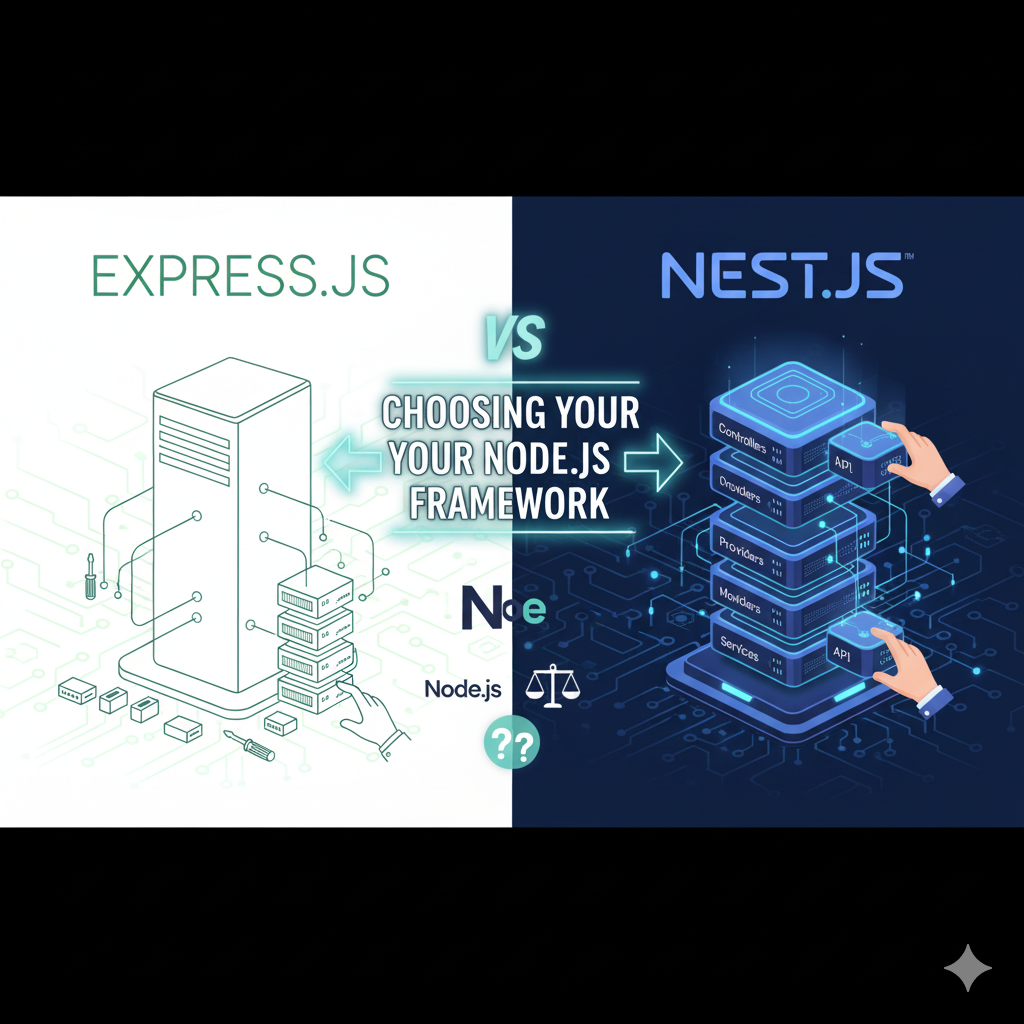

Introduction
Express.js and Nest.js are two of the most popular Node.js frameworks, but they serve different needs. Express is lightweight and flexible, while Nest.js is opinionated and enterprise-ready. Understanding their strengths helps you pick the right tool for your project.
What is Express.js?
Express.js is a minimal, unopinionated web framework for Node.js. It provides the essentials:
- Lightweight – Fast startup, small footprint
- Flexible – Build apps your way
- Middleware-based – Chain functions to handle requests
- Simple routing – Define routes with basic syntax
- Minimal overhead – Only what you need
javascript
const express = require('express');const app = express();
app.get('/api/users', (req, res) => {  res.json({ message: 'Get all users' });});
app.listen(3000);
Best for: Startups, simple APIs, learning backend development
What is Nest.js?
Nest.js is an opinionated, full-featured framework built on Express (or Fastify). It adds:
- Architecture patterns – Modules, controllers, services, decorators
- TypeScript-first – Built for type safety
- Dependency Injection – Professional IoC container
- Built-in tooling – CLI, testing, validation
- Scalability – Enterprise-ready structure
typescript
import { Controller, Get } from '@nestjs/common';import { UsersService } from './users.service';
@Controller('api/users')export class UsersController {  constructor(private usersService: UsersService) {}
  @Get()  getAllUsers() {    return this.usersService.findAll();  }}
Best for: Large projects, enterprise apps, teams
Side-by-Side Comparison
| Feature | Express | Nest.js |
|---|---|---|
| Learning Curve | Easy | Moderate |
| Setup Time | Minutes | Minutes (with CLI) |
| TypeScript Support | Optional | Built-in & Recommended |
| Project Structure | Flexible (you decide) | Opinionated (standardized) |
| Built-in Validation | No (add manually) | Yes (decorators) |
| Testing | Manual setup | Integrated |
| Dependency Injection | No (manual) | Yes (built-in) |
| Performance | Excellent | Excellent (slightly slower) |
| Community | Large & diverse | Growing rapidly |
| Enterprise Ready | No (needs add-ons) | Yes |
| Microservices | Not built-in | Native support |
Express.js: Strengths
✅ Minimal & Fast – No bloat, quick execution
✅ Maximum Flexibility – Structure your project however you want
✅ Huge Community – Massive ecosystem of packages
✅ Perfect for Learning – Understand HTTP fundamentals
✅ Lightweight Deployments – Excellent for serverless
✅ Popular for APIs – Used by millions of projects
Express.js: Weaknesses
❌ No Built-in Structure – Inconsistency across teams
❌ Manual Setup – More boilerplate for large apps
❌ Weak TypeScript – Not designed for it
❌ Error Handling – Requires custom solutions
❌ Validation – Must add manually
❌ Maintenance Hell – Poorly structured code becomes hard to maintain
Nest.js: Strengths
✅ Enterprise Architecture – Professional structure out of the box
✅ TypeScript First – Full type safety
✅ Built-in Features – Validation, testing, logging
✅ Dependency Injection – Clean, testable code
✅ Microservices – Native support for distributed systems
✅ CLI Tools – Generate modules, controllers, services
✅ Documentation – Excellent & comprehensive
✅ Scalable – Grows with your project
Nest.js: Weaknesses
❌ Steeper Learning Curve – More concepts to learn
❌ Opinionated – Less flexibility in structure
❌ Slight Overhead – Larger bundle size
❌ Decorator Magic – Can hide complexity
❌ Overkill for Small Apps – Unnecessary boilerplate
❌ Performance Hit – Slightly slower than raw Express
When to Use Express.js
🚀 Small to medium APIs
🚀 Rapid prototyping
🚀 Learning Node.js
🚀 Microservices (simple ones)
🚀 Real-time apps (WebSockets)
🚀 Serverless functions
🚀 Maximum performance needed
When to Use Nest.js
🏢 Large enterprise applications
🏢 Team projects (consistency matters)
🏢 Microservices architecture
🏢 Complex business logic
🏢 TypeScript-heavy projects
🏢 Long-term maintenance critical
🏢 Need built-in testing framework
Real-World Example: Building a User API
Express.js Approach
javascript
const express = require('express');const app = express();
app.use(express.json());
// Manual validationapp.post('/users', (req, res) => {  if (!req.body.email) {    return res.status(400).json({ error: 'Email required' });  }  // Create user…  res.json({ id: 1, email: req.body.email });});
app.listen(3000);
Nest.js Approach
typescript
import { Controller, Post, Body, ValidationPipe } from '@nestjs/common';import { CreateUserDto } from './dto/create-user.dto';import { UsersService } from './users.service';
@Controller('users')export class UsersController {  constructor(private usersService: UsersService) {}
  @Post()  create(@Body(ValidationPipe) createUserDto: CreateUserDto) {    return this.usersService.create(createUserDto);  }}
Notice: Nest.js validation is declarative; Express requires manual checks.
Performance Comparison
Both frameworks have excellent performance, but benchmarks show:
- Express.js: Slightly faster (minimal overhead)
- Nest.js: Fast enough (overhead negligible for most apps)
For most applications, the difference is not noticeable. Architecture and code quality matter more.
Migration Path
Express → Nest.js: Possible but requires refactoring
Nest.js → Express: Easy (just remove decorators)
Nest.js runs on top of Express, so you get Express under the hood.
Conclusion
- Choose Express if: You want simplicity, flexibility, and learning
- Choose Nest.js if: You need structure, scalability, and enterprise features
Neither is “better”—they solve different problems. Express excels at being lightweight. Nest.js excels at being organized. Your project’s needs determine the winner.
Pro tip: Many teams use Express for simple services and Nest.js for complex applications within the same ecosystem.